
Ozwin casino login: Sign in and resolve access problems
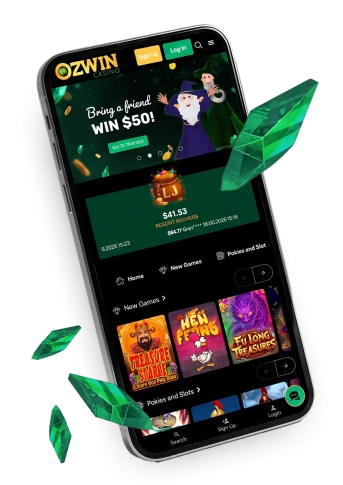
For your Ozwin casino login, choose Log In on the Ozwin site and enter the details for your existing account as prompted. Sign Up is for creating an account, not recovering access to one you already have. If sign-in fails, a few entry and browser checks can help you narrow down the problem before contacting support.
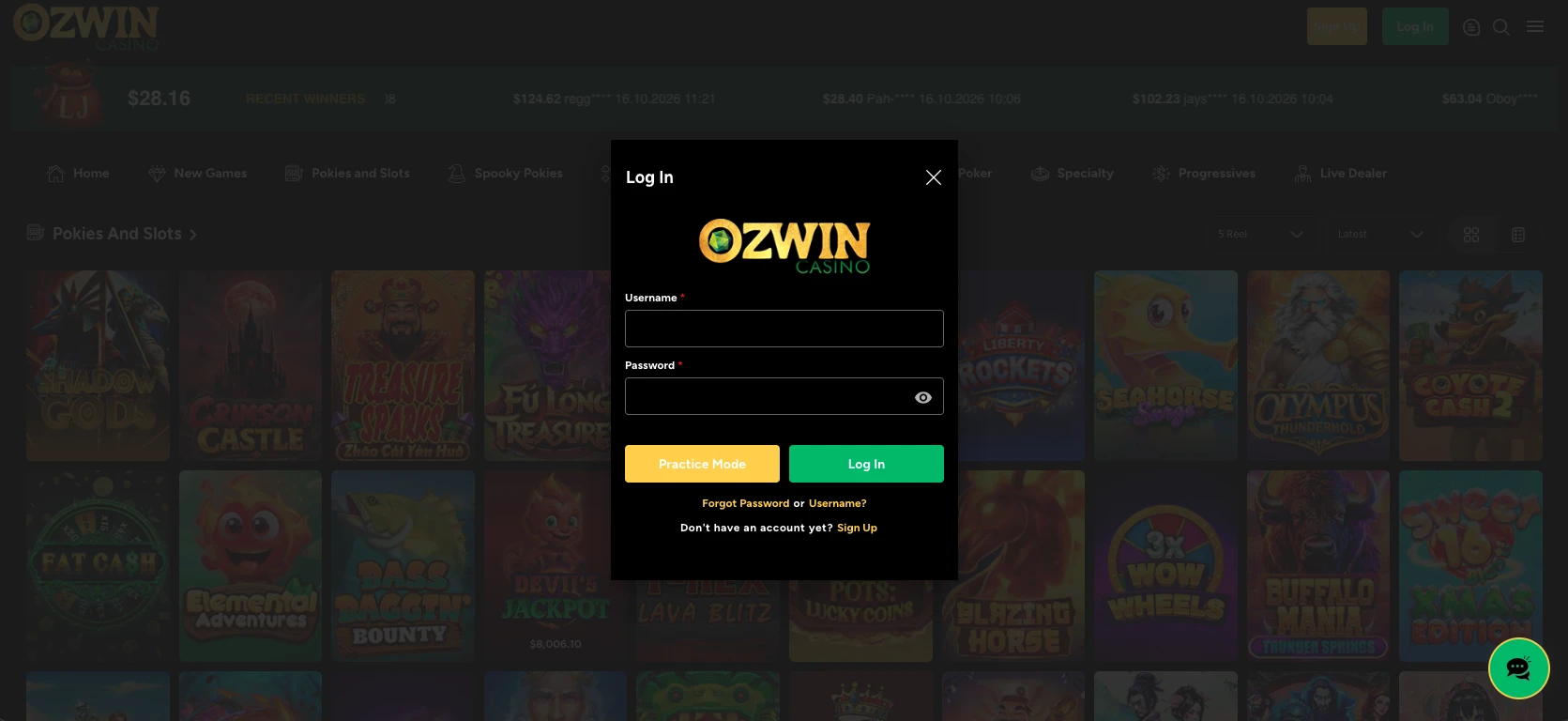
Sign in to your existing account
To sign in to your existing account:
- Open the Ozwin site and choose Log In.
- Enter the credentials for your existing account as prompted.
Our rules allow one real-money account per player name. Duplicate accounts can be closed or merged, and related winnings voided, so creating another account is not a way to get around an access problem. Once signed in, you can find transaction history under My Account in the casino lobby.
For product information beyond account access, our Ozwin casino overview gives you the broader picture.
Fix an Ozwin login that fails
If your Ozwin login fails, work through these account-entry and browser checks before contacting support:
- Make sure you selected Log In, not Sign Up, and are using the details for your existing account.
- Re-enter the details carefully if autofill has supplied an older saved entry. Check Caps Lock and your keyboard layout as you type.
- If the sign-in page is not responding, reload it or try another browser. On a shared device, check that you have not selected someone else’s saved details.
We offer support 24/7 through LiveChat and email. If those checks do not resolve access, contact us through either channel. Our email response target is 24–48 hours. That is a response target, not a deadline for restoring access.
Choose browser access on desktop or mobile
You can use Ozwin in a browser on a PC, phone or tablet; there is no casino app. Browser access is available on Android and iOS tablets as well as phones. The important sign-in difference for someone wanting to try a game is how desktop and mobile demos are entered.
| Device | Browser access | Demo entry |
|---|---|---|
| Desktop | Instant play in a browser; Google Chrome is recommended | Demo play is available while logged out |
| Android or iOS phone | Mobile instant play | Create an account and choose Practice Mode |
A desktop visitor can try an available demo without signing in, while the mobile Practice Mode route begins with an account. If you are returning to real-money account activity, use Log In regardless of which device you choose.
Keep registration and verification separate from sign-in
To create an account for the first time, choose Sign Up from the homepage and provide the requested personal details, such as your name and address. The account is ready to use once signup is complete.
Promotions have their own conditions; our Ozwin casino no deposit bonus coverage addresses offer terms and eligibility separately from account access.
Verification is a separate check that matters when withdrawing winnings. Documents are required for a first withdrawal, and withdrawals may be suspended pending verification. What we request can vary by account and deposit method; payment or source-of-funds evidence may also be needed. Examples of documents include:
- A colour government photo ID: a passport, or both sides of a national ID or driver’s licence.
- Proof of address, such as a utility bill, bank statement or card statement dated no more than three months ago.
- A selfie holding your government ID beside your face.
FAQ
Should I use Sign Up to regain access to an existing account?
No. Choose Log In for an existing account; Sign Up is for creating a new account. If sign-in fails, use the entry and browser checks described above rather than creating a second account.
What should I check before contacting support about a failed login?
Check the account details you entered, Caps Lock and keyboard layout, and any saved or autofilled values. If the page does not load, reload it or try another browser. These checks do not confirm a password-reset route.
Can I sign in from a phone without an app?
Yes. Use the Ozwin website in an Android or iOS browser; no native casino app is offered. Choose Log In for an existing account. If browser access fails after the checks above, contact support rather than registering again.